

MDM for Startups: When You Need It and What to Look For

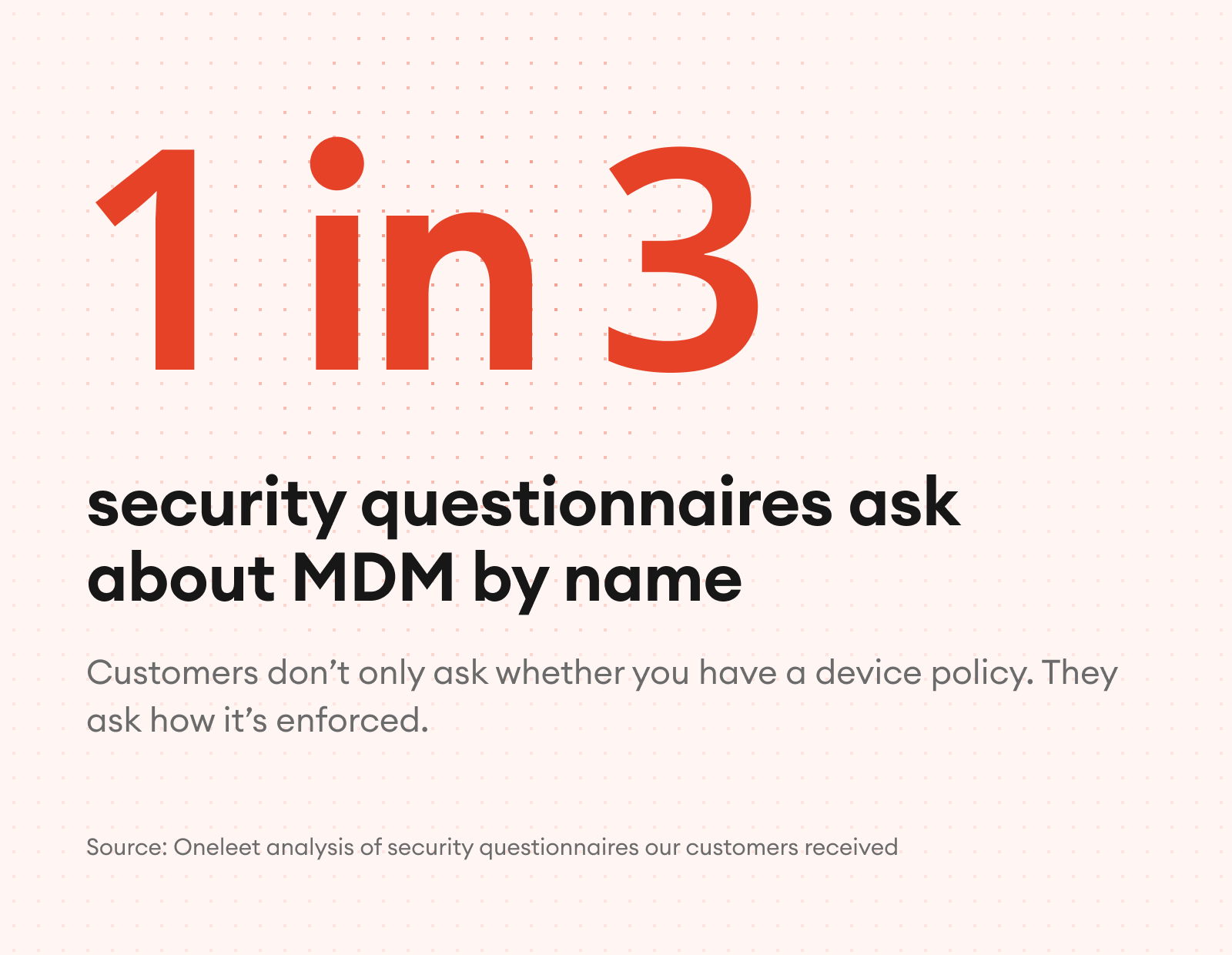
MDM isn’t a requirement, but 1 in 3 security questionnaires ask about MDM by name.
For an early-stage company without a security team, it usually shows up anyway as the business grows: a security questionnaire holding up a deal, a team that’s grown past managing laptops by hand, or an audit window about to open.
The problem is that your customers aren’t asking whether you have a laptop policy. They’re asking how it’s enforced, and they expect it to be.
Oneleet MDM (mobile device management) takes you from monitoring device security to enforcing it, in the same platform as your compliance program.
This guide covers when MDM makes sense for a startup, what it actually changes, and what to look for.
What Does MDM Actually Do?
MDM lets you set security settings on your company's laptops, enforce them, and keep them enforced. Additionally, when a laptop is lost or someone leaves, you can lock or wipe it remotely.
MDM compliance: Monitoring vs. enforcing
Monitoring tells you a laptop is failing a check. The firewall is off. The screen doesn't lock. The disk isn't encrypted. Enforcing turns the setting on and keeps it on. Most compliance tools stop at monitoring.
Setting | Monitoring (Checking) | Enforcing (MDM) |
|---|---|---|
Disk encryption | A check confirms FileVault is on today | FileVault is turned on, with the recovery key escrowed |
Screen lock | The agent reports the timeout is too long | Doesn’t allow it to change outside of policy required |
Firewall | A check fails when someone turns it off | The policy turns it on, and doesn’t allow it to be turned off |
Does SOC 2 Require MDM?
SOC 2 does not require MDM. Enterprise buyers ask about it in security reviews anyway, and having it helps close deals.
Compliance should follow from real security, not the other way around. Enforced device settings are worth having whether an auditor asks for them or not.
Does MDM help with a SOC 2 audit?
MDM isn’t required for SOC 2, but it makes the device side of your audit easier to keep up. A monitoring agent can collect the same evidence. But collecting evidence automatically doesn’t help if it’s evidence of the wrong state. With MDM, you fix a failing setting yourself instead of asking the employee to, and an enforced setting stays on even if someone tries to change it, so devices don’t drift out of compliance.
That matters most during your audit window (the observation period a SOC 2 Type 2 report covers). Set up MDM before it opens, and every laptop starts the period in a secure state and stays there, without anyone chasing people to fix a setting. New Macs you buy through Apple Business enroll during setup, so new hires start with the policy already applied.
Why Do Customers Ask About MDM?
Customers ask about MDM because they want to know how your device security is enforced, not just whether you have a policy. It’s a reliable industry best practice.
1 in 3 security questionnaires ask about MDM by name, and about two-thirds ask about endpoint security (how laptops and other devices are protected). That's from our own analysis of hundreds of questionnaires our customers received.
What's the difference between a weak answer and a real one?
The difference between a weak answer and a real one reveals itself the moment a security team reads your answers.
The question | An answer built to pass | An answer that holds up |
|---|---|---|
Is disk encryption enabled on every laptop? | A screenshot from one laptop | Encryption enforced on every managed device, with recovery keys escrowed |
How do you enforce screen lock? | "It's in our policy" | A setting pushed to every device, and pushed back if it changes |
What happens when a laptop is lost? | "We'd have the employee change their passwords" | It's encrypted, and we can lock or wipe it remotely |
How do you know settings stay on? | A check right before the audit | Enforcement all year, with the evidence where your auditor looks |
Do Startups Need MDM?
Not on day one, but most startups need it by the time one of three things happens: a customer’s security review asks how your devices are secured, your team passes 20 to 25 people, or a SOC 2 audit window is about to open.
When this happens | What Oneleet MDM does |
|---|---|
A customer's security review asks about MDM or endpoint security | Shows enforced encryption, screen lock, and firewall as evidence your auditor and customers can check |
The team grows past 20 or 25 people | Enforces one policy on every laptop, instead of configuring each one by hand. New Macs bought through Apple Business enroll during setup, and you can install apps on managed Mac and Windows laptops from a catalog. |
A SOC 2 audit window is about to open | Gets every laptop into a secure state before the observation period, and keeps it there |
A tool your team uses has a security incident | Shows which laptops have it installed, so you know who to follow up with |
Someone leaves, or a laptop is lost or stolen | Keeps the data encrypted with FileVault. Locks the Mac with a PIN or wipes the device from the same dashboard, once it’s back online. |
Nobody on the team owns IT or security | Offers secure defaults you can turn on in one click, so nobody designs a configuration from scratch |
Do you need MDM if you’re a small business with fewer than 20 people?
For a small business with fewer than 20 people, an MDM is more about building trust and speeding up the security questionnaire than saving time at work. 1 in 3 questionnaires ask for it regardless of your company size.
What changes past 20 to 25 people?
Past 20 to 25 people, MDM starts also saving you operational time. At 25, you can't check every laptop yourself, and you shouldn't have to. One policy enforced on every device means keeping laptops secure stops being a manual job.
What Should a Startup Look for in an MDM?
A startup should look for an MDM that’s mapped to its compliance program and doesn’t add a second tool to manage.
Most MDMs can enforce the settings an auditor checks. For a startup, what separates them is whether that enforcement is mapped to your compliance program and if it’s a separate tool you have to manage.
Here are four questions you should ask every MDM vendor — along with how Oneleet MDM answers them.
Question to ask | How Oneleet MDM answers |
|---|---|
Does it enforce the device settings my compliance program requires and my customers expect? | Compliant by default. Oneleet MDM is synced with your compliance program, so your framework’s device requirements become enforced settings. That includes the encryption, screen lock and firewall questions that come up in customer security reviews. Secure defaults set the baseline in one click, and you can see and adjust every setting per device. |
When my compliance tool flags a device, can I fix it in the same place? | Fix it where you see it. With a separate MDM, a failing check in your compliance tool sends you to another vendor’s console to fix it. Most compliance tools read your MDM, whereas Oneleet runs it. An admin updates the policy in the same platform that flagged the problem, and it applies to every managed laptop without asking employees to change anything. |
Are the device checks tied to my security program’s requirements, in a format my auditor can use? | Proof your auditor can use. Collecting evidence automatically doesn’t help if it’s evidence of the wrong state. Oneleet’s device checks are tied to your security program’s requirements, and because the settings are enforced, the evidence shows devices that are actually secure. Device data goes straight to your auditor, with an activity log for each device. |
Does it add a second vendor, console, and contract? | One vendor. MDM and compliance come on one platform and one contract, charged per managed device per month. There’s no second console to check and no integration to maintain. |
Traditional MDM | Oneleet MDM | |
|---|---|---|
Built for | IT operations across every device type | Device security that holds up in a security review or audit |
Setting the policy | You build your own configuration | Compliant by default, with one-click secure defaults |
A failing check | The MDM doesn't know your compliance controls | Settings are enforced, and stay enforced |
Evidence | Exported, or pulled in by an integration | Surfaced directly to your auditor to strengthen your report |
Vendors | A separate contract and renewal | The contract you already have |
How Do You Roll Out MDM Without Slowing Your Team Down?
Rolling out MDM without slowing your team down comes down to two things: enroll the laptops you already have without a wipe, and have every new Mac enroll itself. Setup takes some effort up front. After that, set it once, and every laptop stays on it.
Existing Macs enroll with a profile and no wipe, new Macs bought from Apple or a participating reseller enroll zero-touch through Apple Business, and Windows enrolls in one click through the Oneleet agent.
If you already use Oneleet, the agent on your team's laptops is the MDM. On Mac, you add the profile.
We'll help you get enrolled. A Oneleet engineer works with your team. We run Oneleet MDM on our own fleet, so we've done this ourselves.
Go deeper:
How Do I Get Started with Oneleet MDM?
Oneleet MDM is charged per managed device per month. If you're already on Oneleet, it goes on the contract you already have.
Component | With Oneleet |
|---|---|
Oneleet agent (device monitoring) | Included with the platform |
Oneleet MDM | Charged per managed device per month |
Vendors and contracts | One, if you're already on Oneleet |
Integration to maintain | None |
Already a Oneleet customer? Ask your Oneleet contact to add Oneleet MDM.
Evaluating Oneleet? Book a demo with us.
MDM for Startups FAQ
Is MDM worth it for a team under 10 people?
Once a customer asks about it, yes. Until then, you can probably check every laptop yourself within your risk tolerance. Either way, MDM shortens security reviews, which speeds up how fast customers trust you, and ultimately speeds up the deal.
Is MDM the same as EDR?
No. MDM keeps devices secure with controls. EDR (endpoint detection and response) watches for threat activity that could bypass controls.
What does MDM do that device monitoring doesn't?
Device monitoring reports when a setting fails a check, such as a disabled firewall or an excessive screen-lock timeout. Mobile device management (MDM) enforces those settings and keeps them enforced instead of relying on employees to fix them. It also lets administrators remotely lock or wipe devices.
When should a startup adopt MDM?
Consider adopting MDM when a customer security review asks how devices are secured, your team grows past about 20 to 25 people, or a SOC 2 audit window is about to open. For smaller teams, its value is primarily supporting customer trust and shortening security reviews. Past 20 to 25 people, enforcing one policy across laptops also reduces manual administration.
Why do customers ask about MDM in security questionnaires?
Customers want to know how device security is enforced, not just whether you have a written policy. According to Oneleet’s analysis of hundreds of questionnaires its customers received, one in three asks about MDM by name, and about two-thirds ask about endpoint security. Enforced encryption, screen lock, and firewall settings provide stronger answers than a screenshot or a policy statement.
What should a startup look for in an MDM solution?
Look for enforcement mapped to your compliance program’s device requirements, with evidence your auditor can use. Check whether administrators can fix failing device settings in the same platform that flags them. Also consider secure defaults and whether the solution adds another vendor, console, contract, or integration to maintain.
Product Manager